|
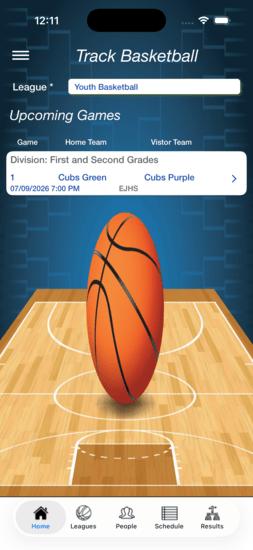
Track Basketball
- - Select a League for Upcoming Games
- - Click game, a pop up will ask if you want to create a game
- - Game Information will appear
- - League Icon for League Information
- - People Icon for People Information
- - Schedule Icon for Schedule Information
- - Results Icon for Standings and Statistics
|
|
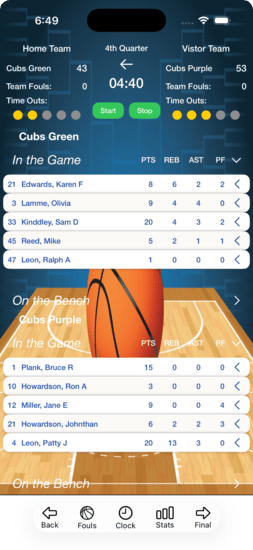
Game Information
- - Swipe a player to move to bench or on the floor
- - Swipe a player to see live game statistics
- - Select a League to updates.
- - Fouls Icon to change Team Fouls
- - Clock Icon to change time and period
- - Stats Icon for live team statistics
- - Final Icon to end the game
|
|
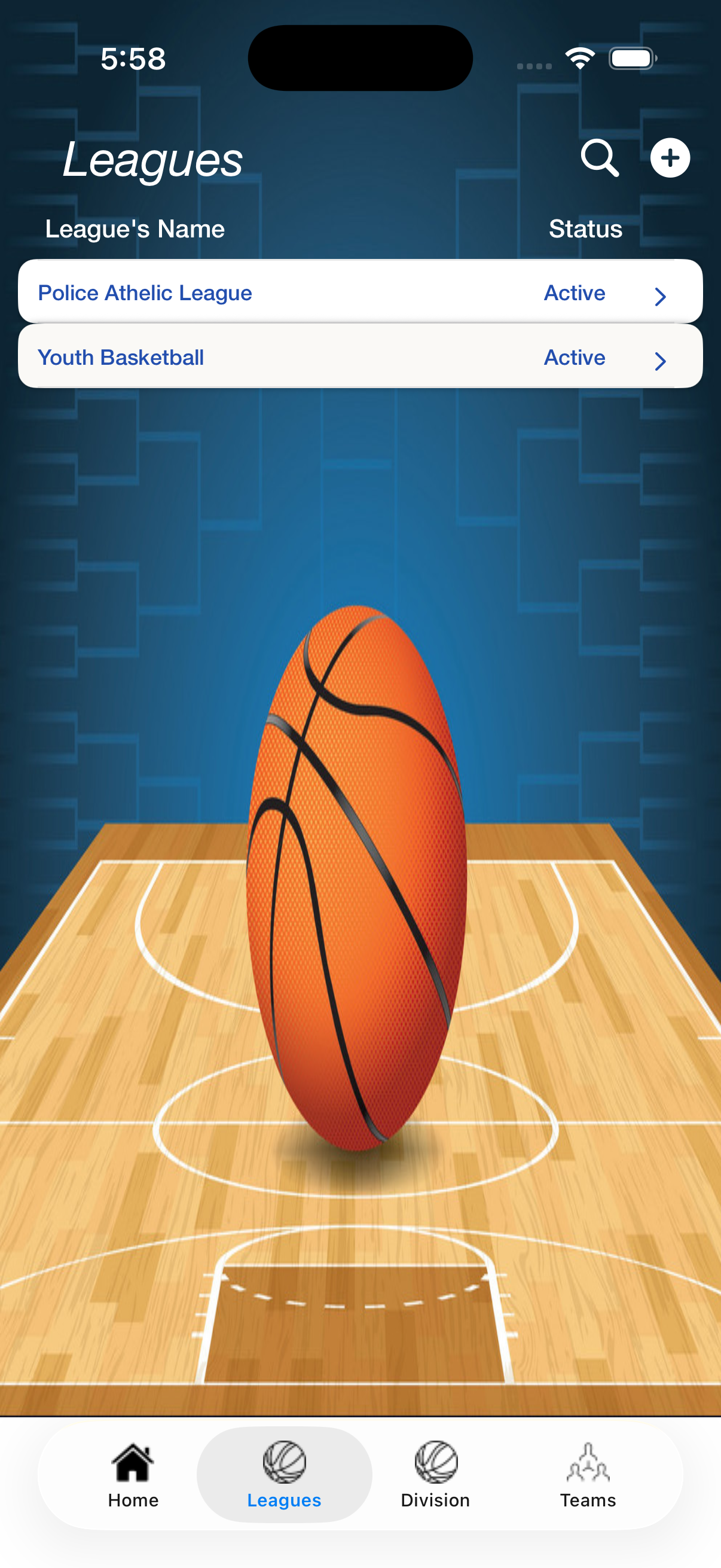
League Information
- - Press the Plus button to add a League
- - Spyglass for League Searching
- - Swipe to right to delete the League
- - Select a League to update
-
-
-
|
|
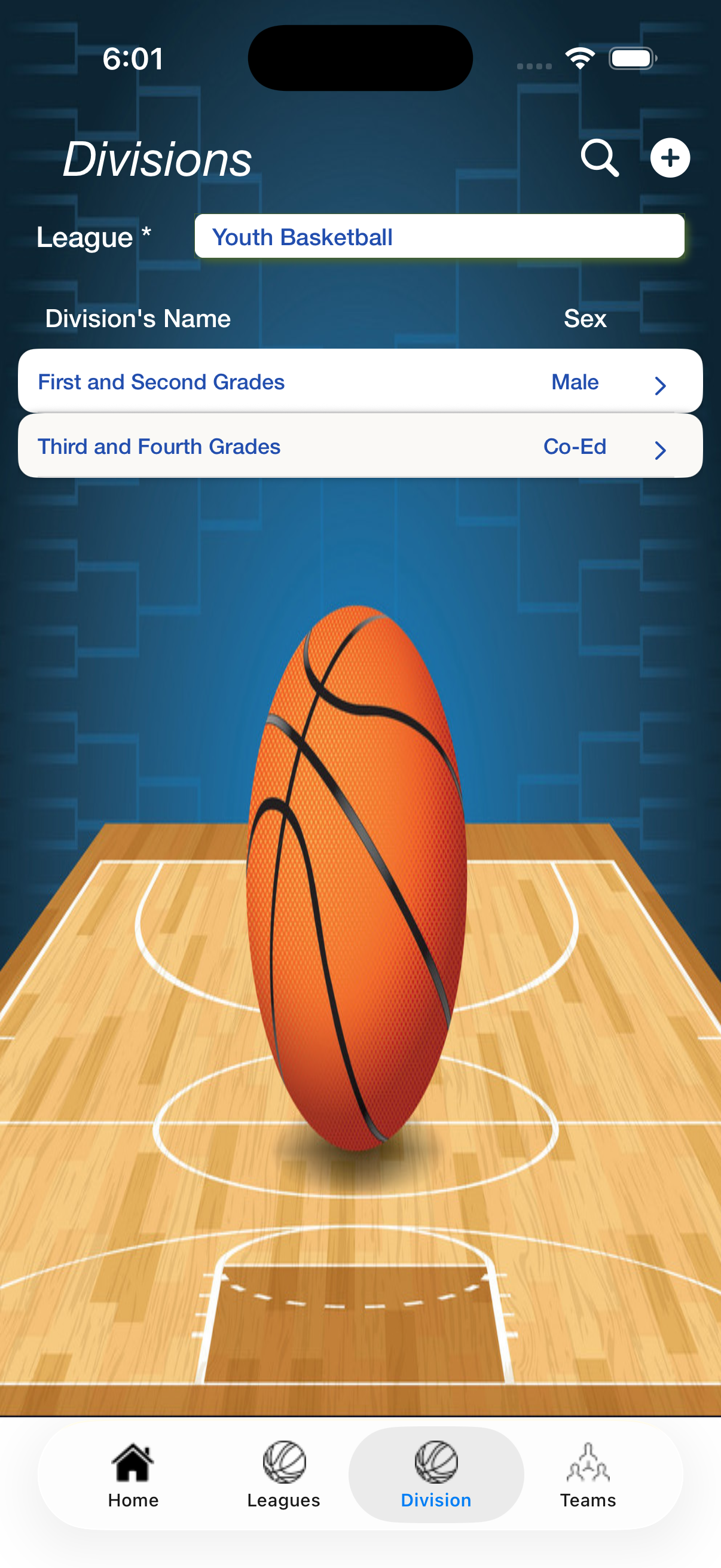
Division Information
- - First, select a League
- - Press the Plus button to add a Division
- - Spyglass for Division Searching
- - Swipe to right to delete the Division
- - Select a Division to update
-
-
|
|
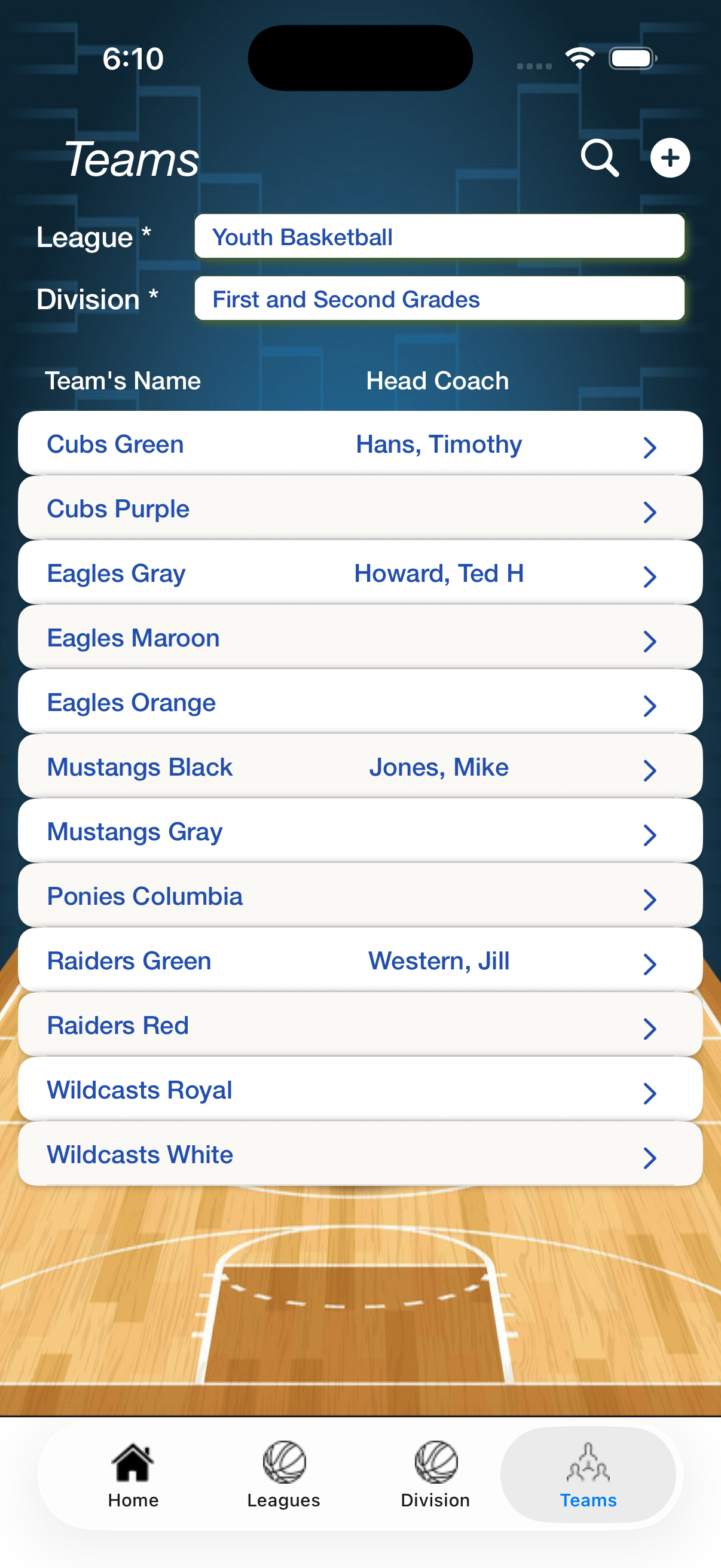
Team Information
- - First, select a League
- - Second, select a Division
- - Press the Plus button to add a Team
- - Spyglass for Team Searching
- - Swipe to right to delete the Team
- - Select a Team to update
-
|
|
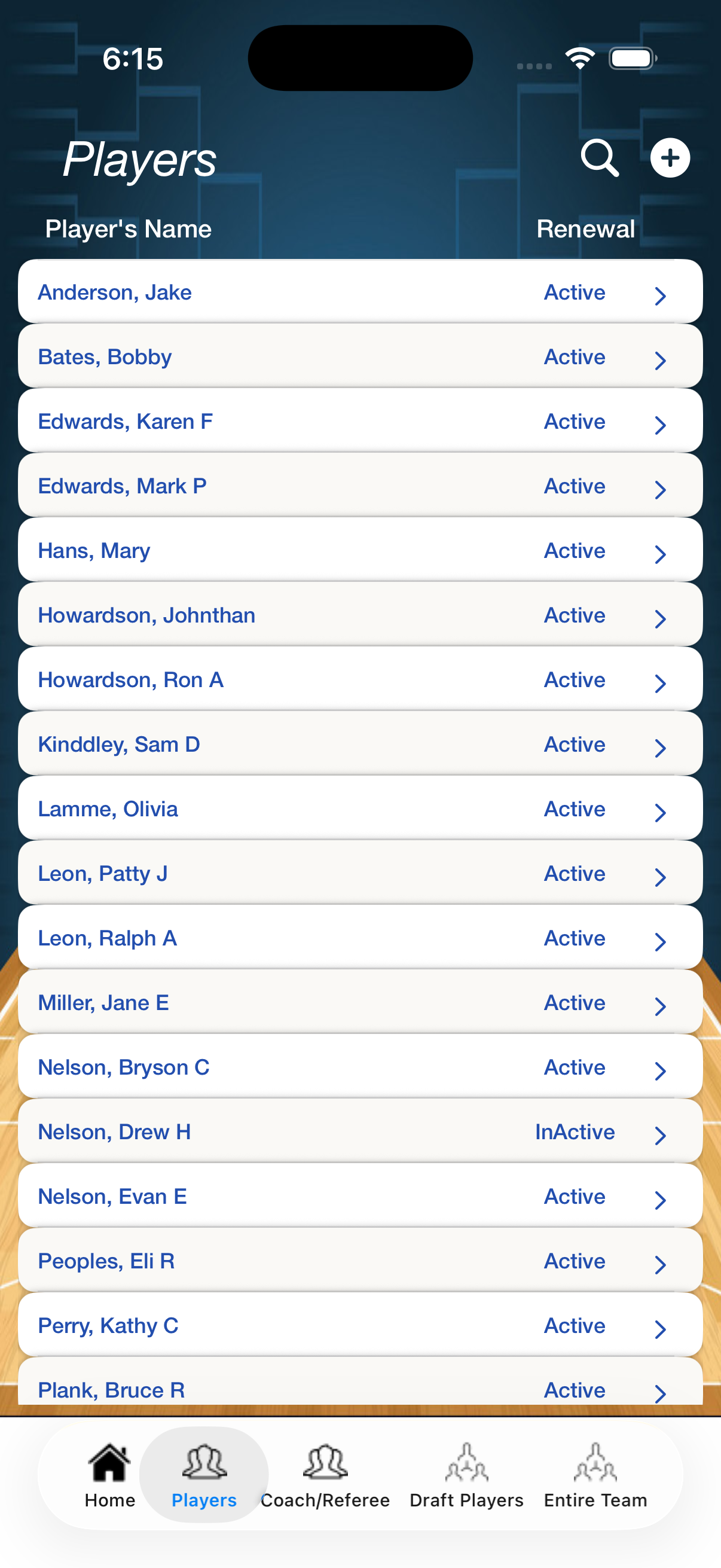
Player Information
- - Press the Plus button to add a Player
- - Spyglass for Player Searching
- - Swipe to right to delete the Player
- - Select a Player to update
-
-
-
|
|
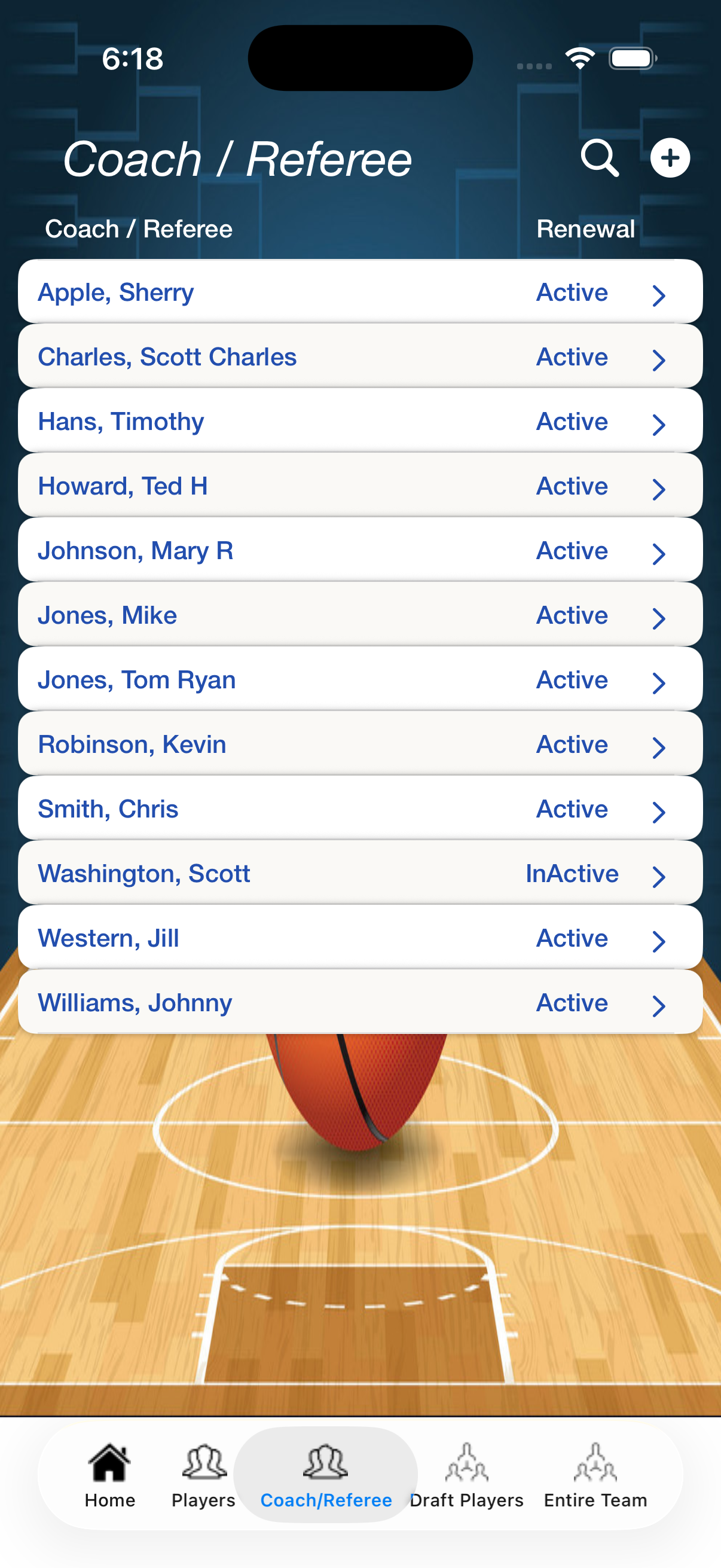
Coach / Referee Information
- - Press the Plus button to add a Coach / Referee
- - Spyglass for Coach / Referee Searching
- - Swipe to right to delete the Coach / Referee
- - Select a Coach / Referee to update
-
-
-
|
|
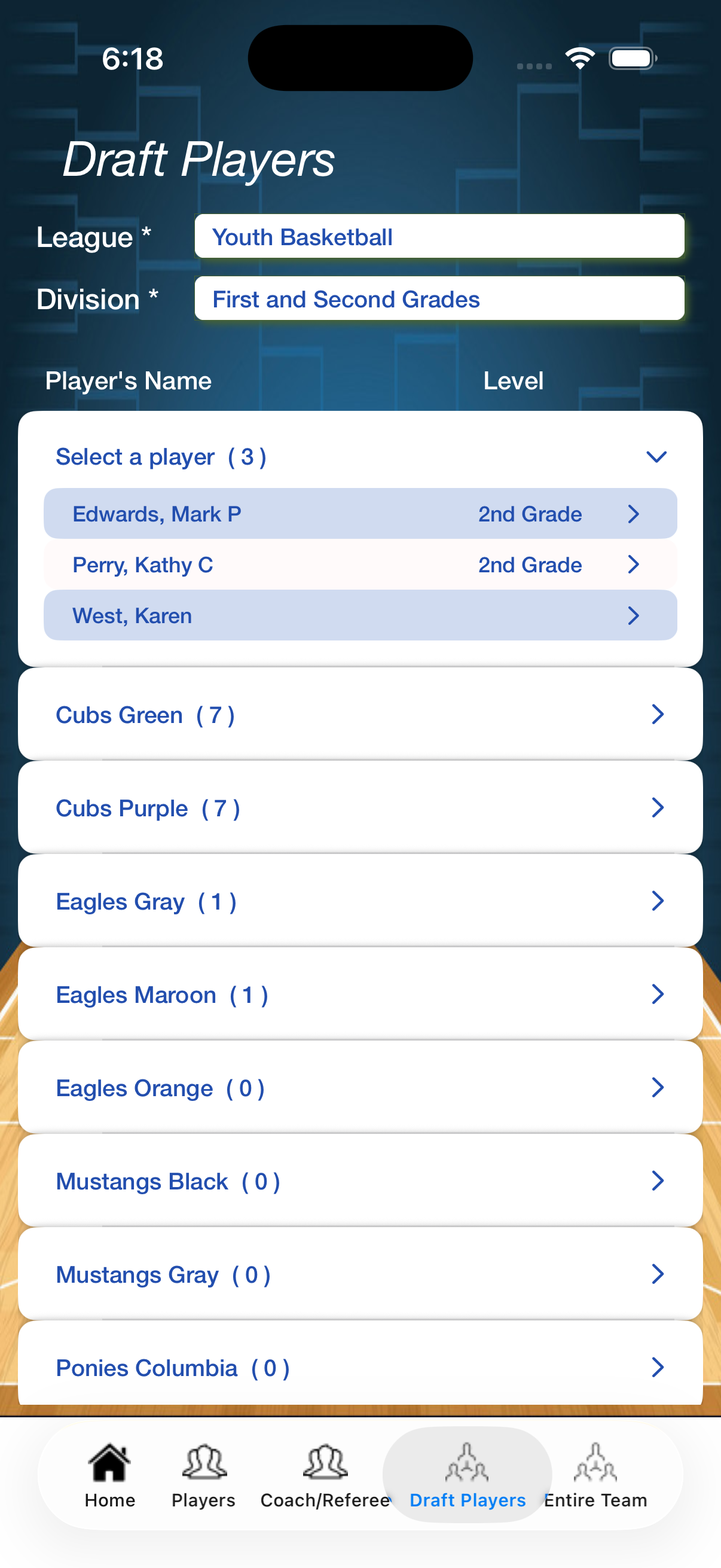
Draft Player Information
- - First, select a League
- - Second, select a Division
- - Select a player, to pick a Team
- - Select Team to see Team Players
- - Team Players, swipe to right to delete
-
-
|
|
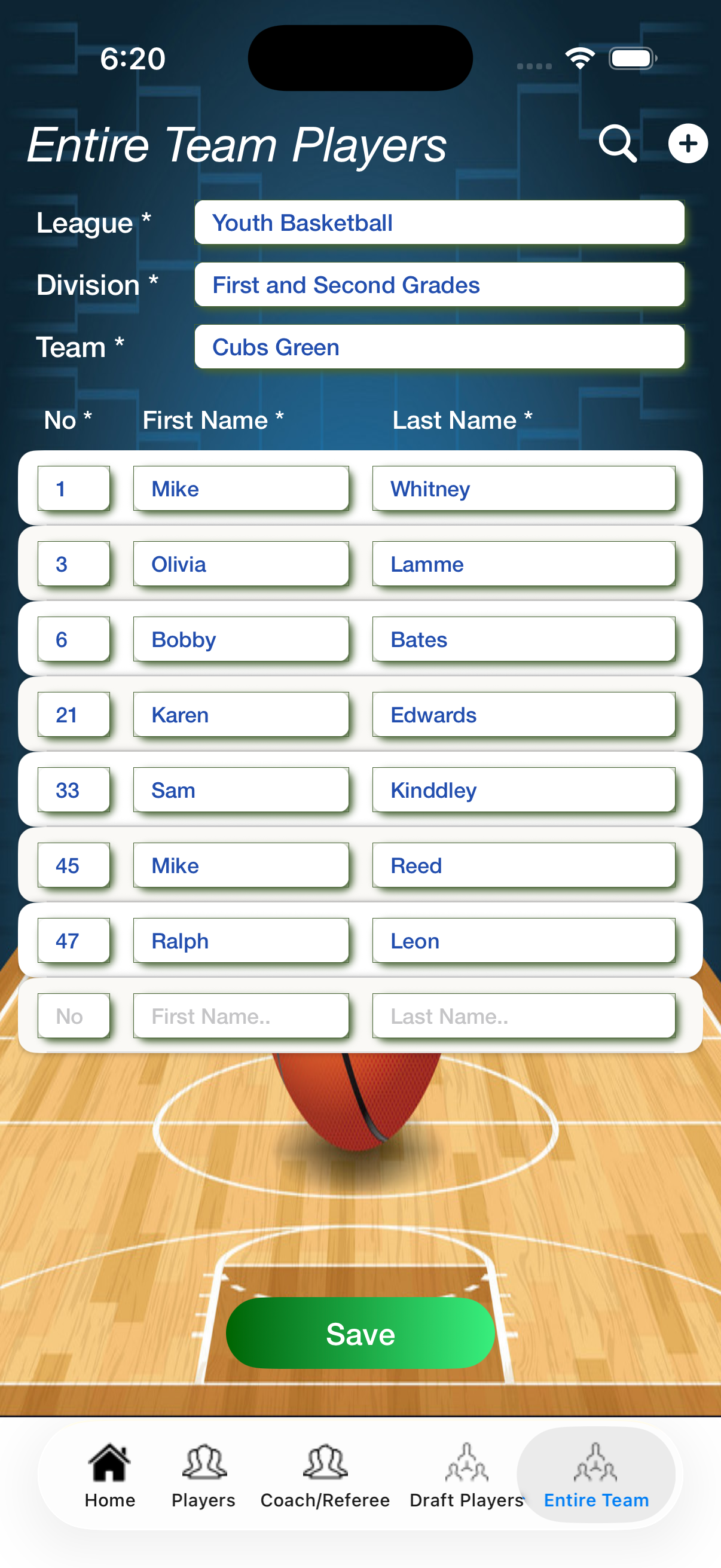
Entire Team Player Information
- - First, select a League
- - Second, select a Division
- - Third, select a Team
- - Update Player's Number
- - Players, swipe to right to delete
- - Press the Plus button to add a new player row
- - Spyglass for Team Players Searching
|
|
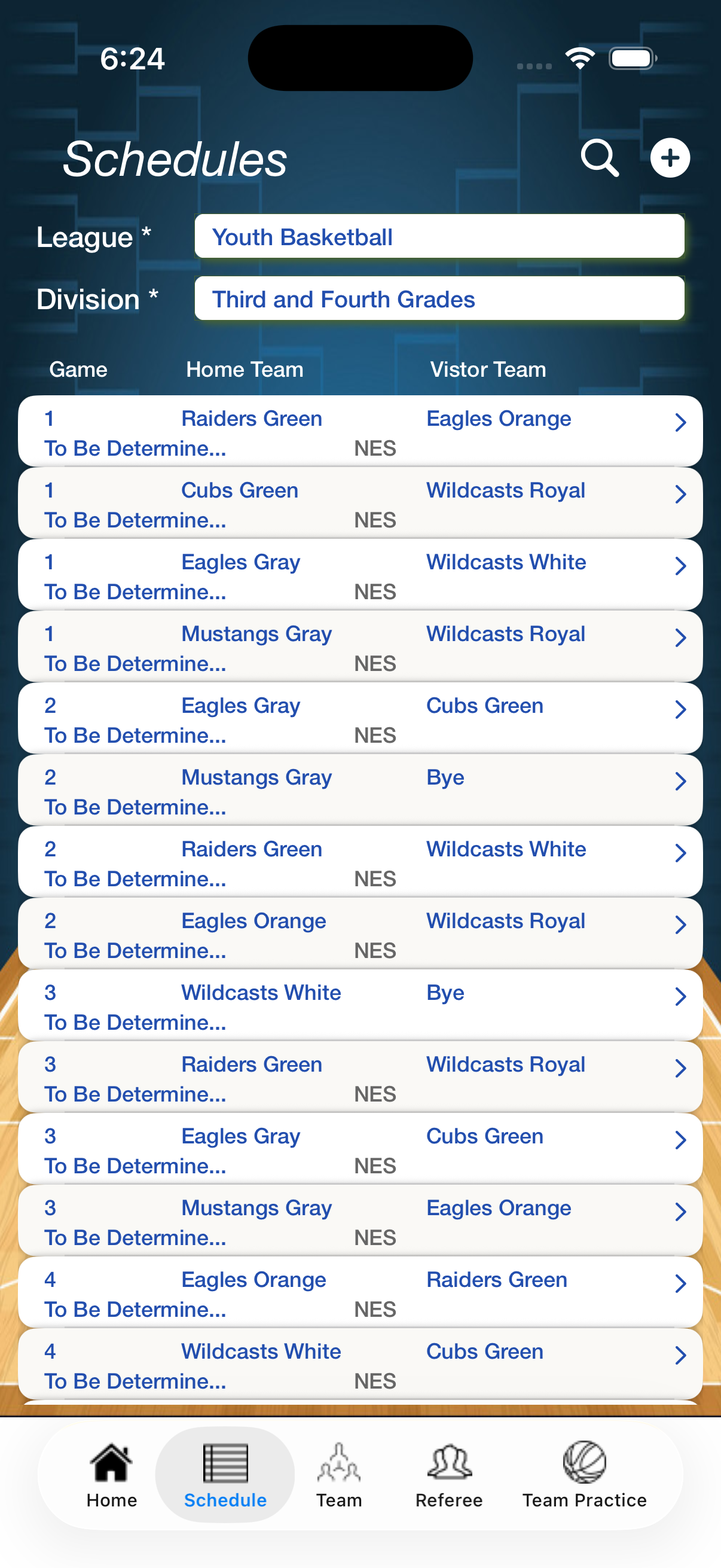
Schedule Information
- - First, select a League
- - Second, select a Division
- - Press the Plus button to add a Schedule
- - Spyglass for Schedule Searching
- - Swipe to right to delete the Schedule
- - Select a Schedule to update
-
|
|
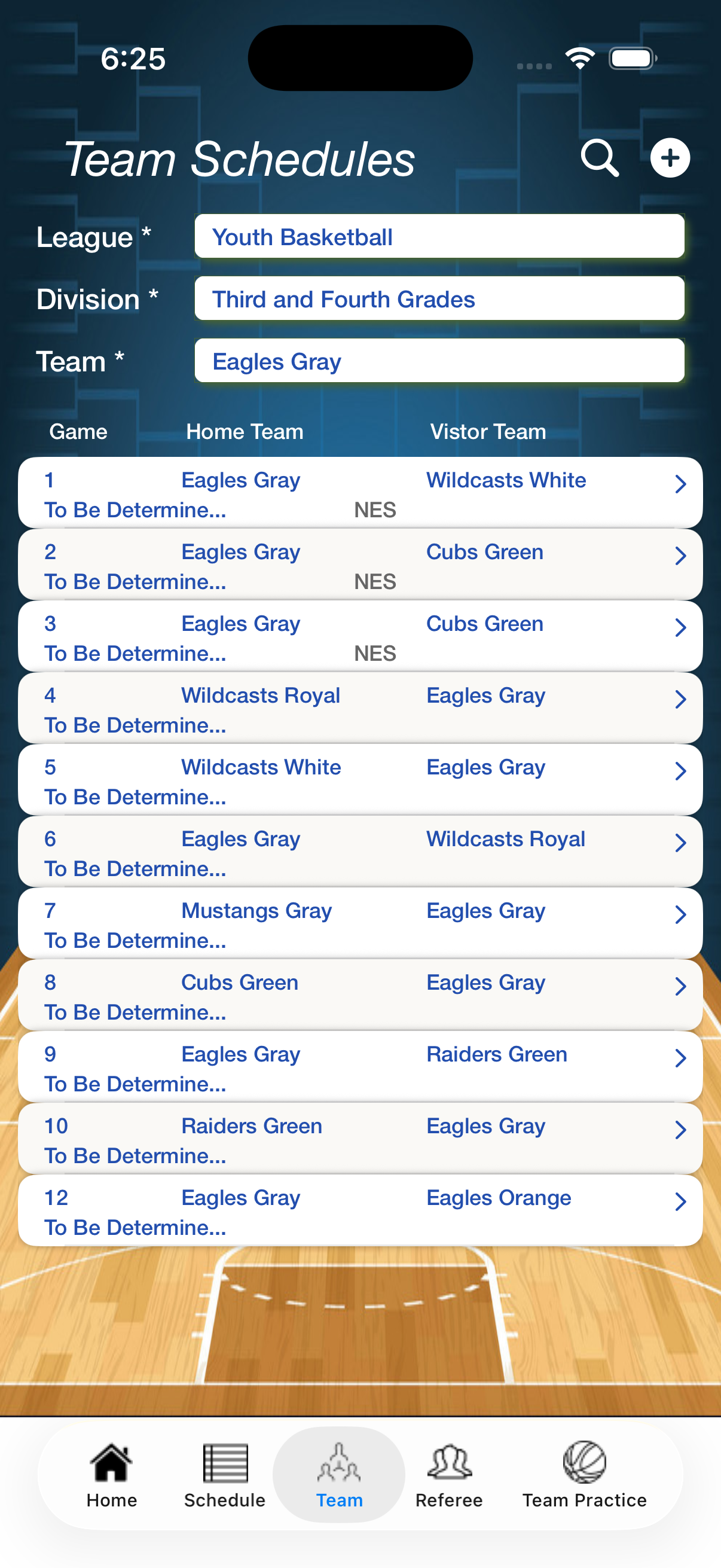
Team Schedule Information
- - First, select a League
- - Second, select a Division
- - Third, select a Team
- - Press the Plus button to add a Schedule
- - Spyglass for Schedule Searching
- - Swipe to right to delete the Schedule
- - Select a Schedule to update
|
|
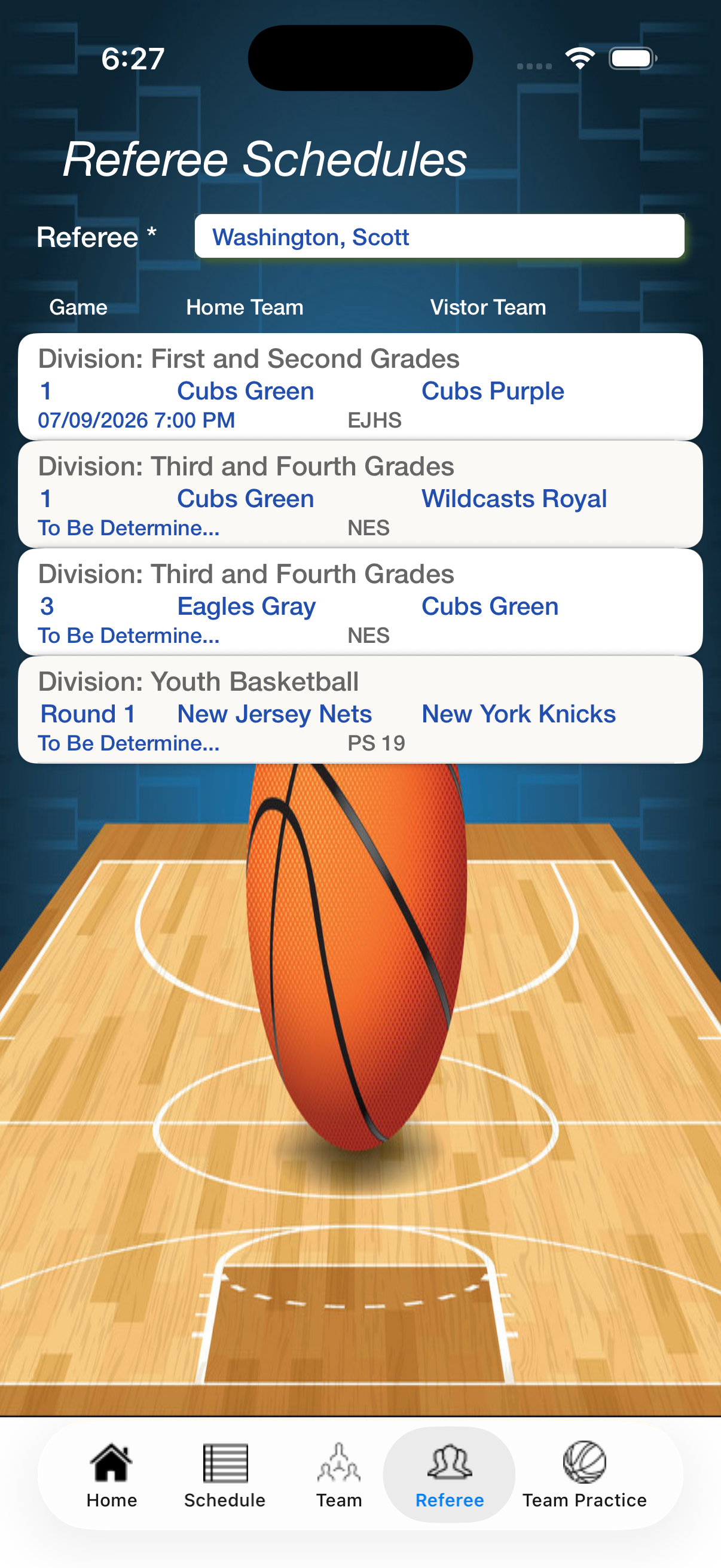
Referee Schedule Information
- - First, select a Referee
-
-
-
-
-
-
|
|
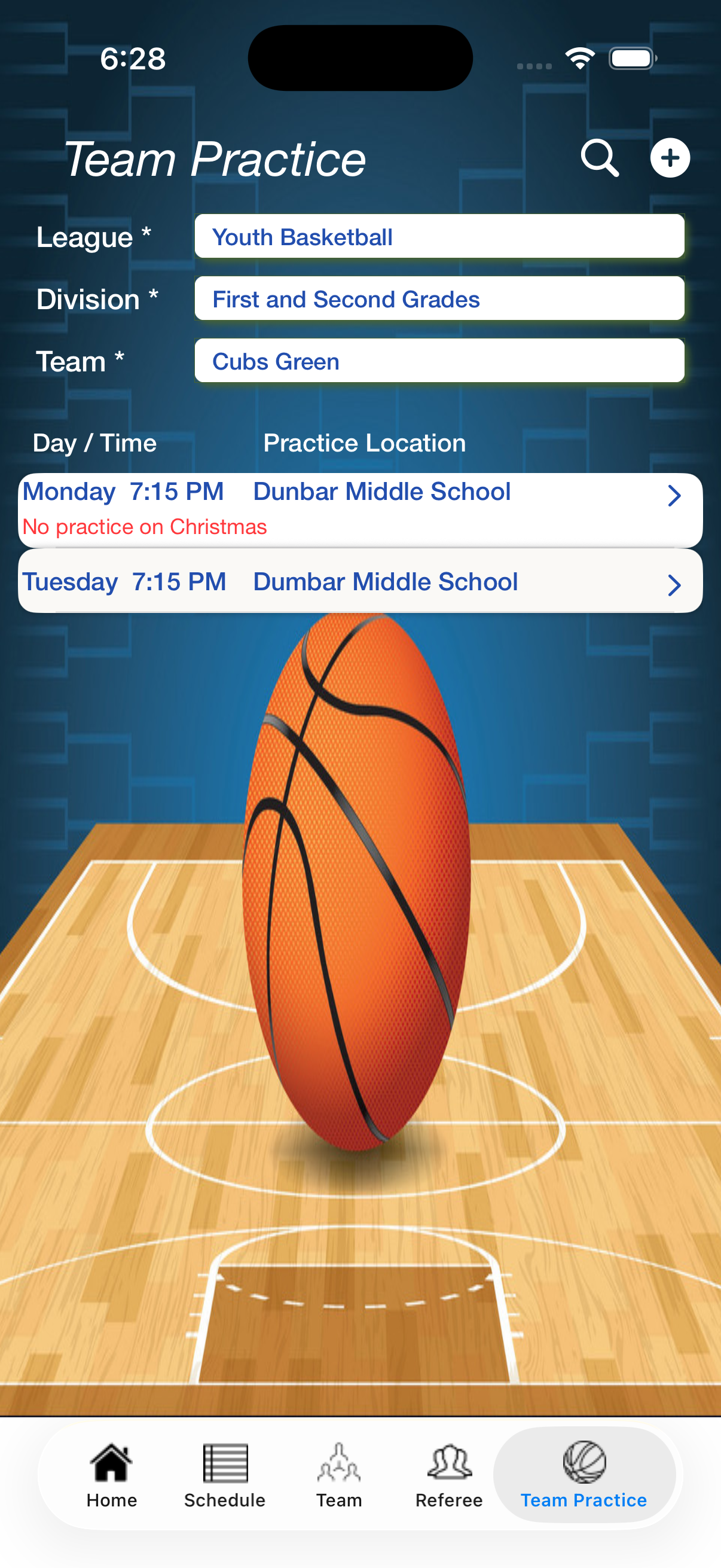
Team Practice Information
- - First, select a League
- - Second, select a Division
- - Third, select a Team
- - Press the Plus button to add a Team Practice
- - Spyglass for Team Practice Searching
- - Swipe to right to delete the Team Practice
- - Select a Team Practice to update
|
|
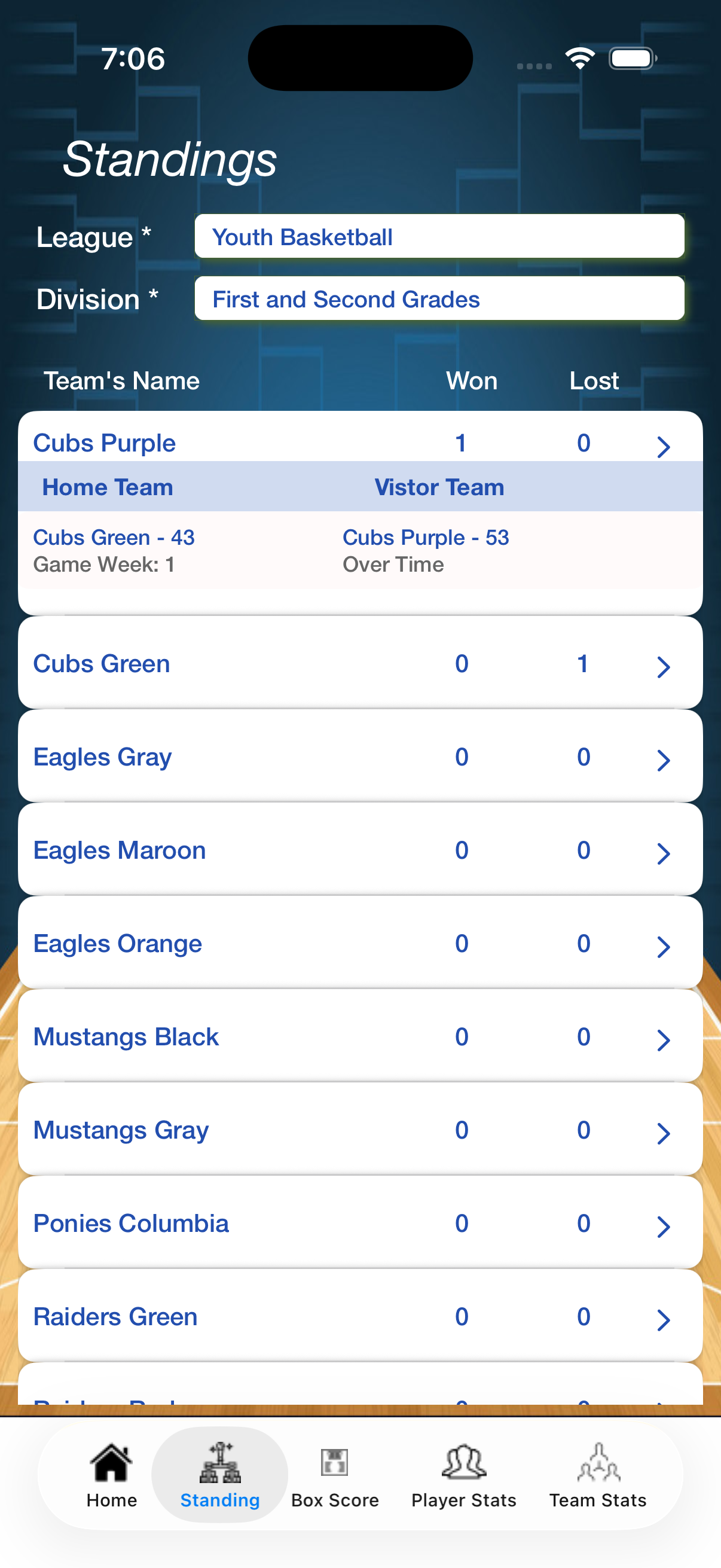
Standing Information
- - First, select a League
- - Second, select a Division
- - Select a Team, see Game Finals
-
-
-
-
|
|
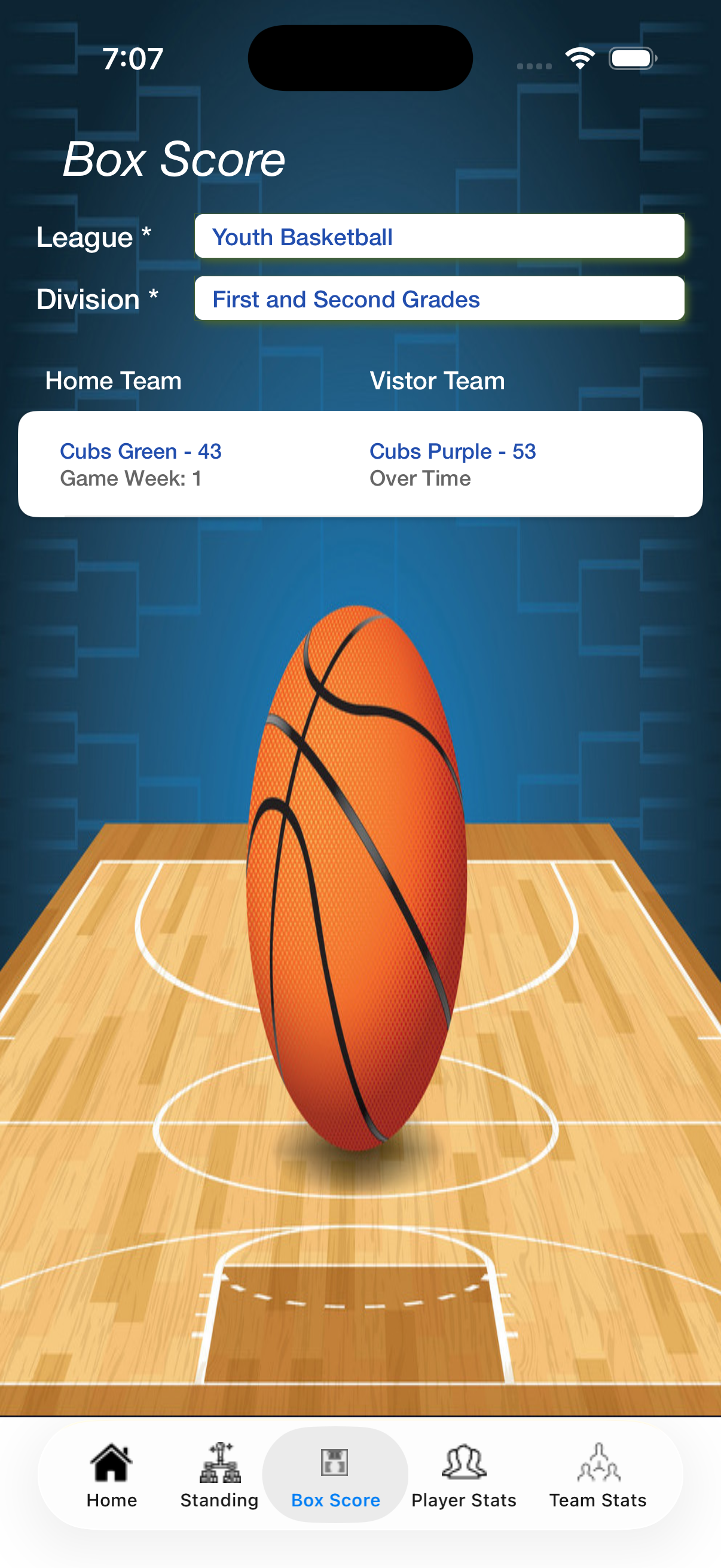
Box Score Information
- - First, select a League
- - Second, select a Division
- - Select a Game, see Game Box Score
-
-
-
-
|
|
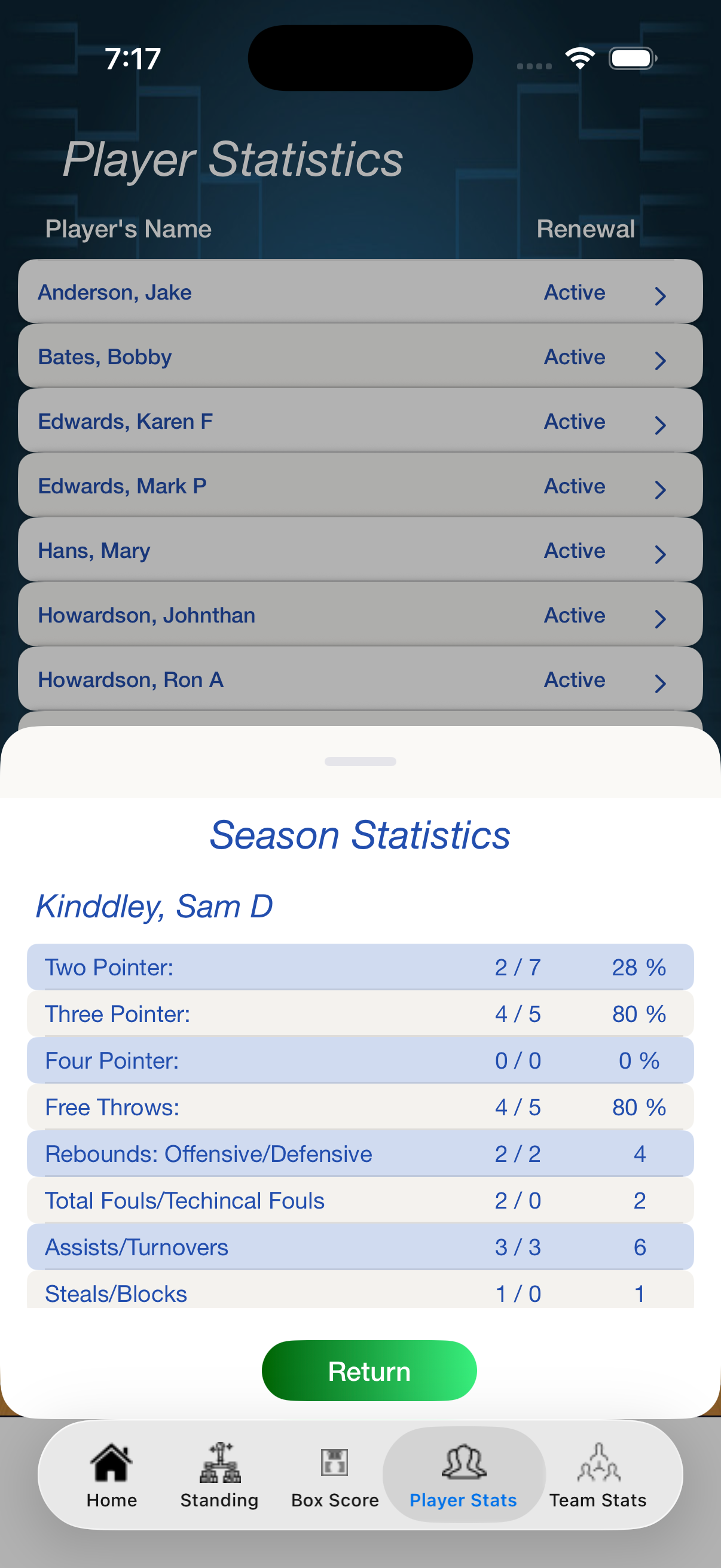
Player Statistics Information
- Select a Player, see Season Statistics
-
-
-
-
-
-
|
|
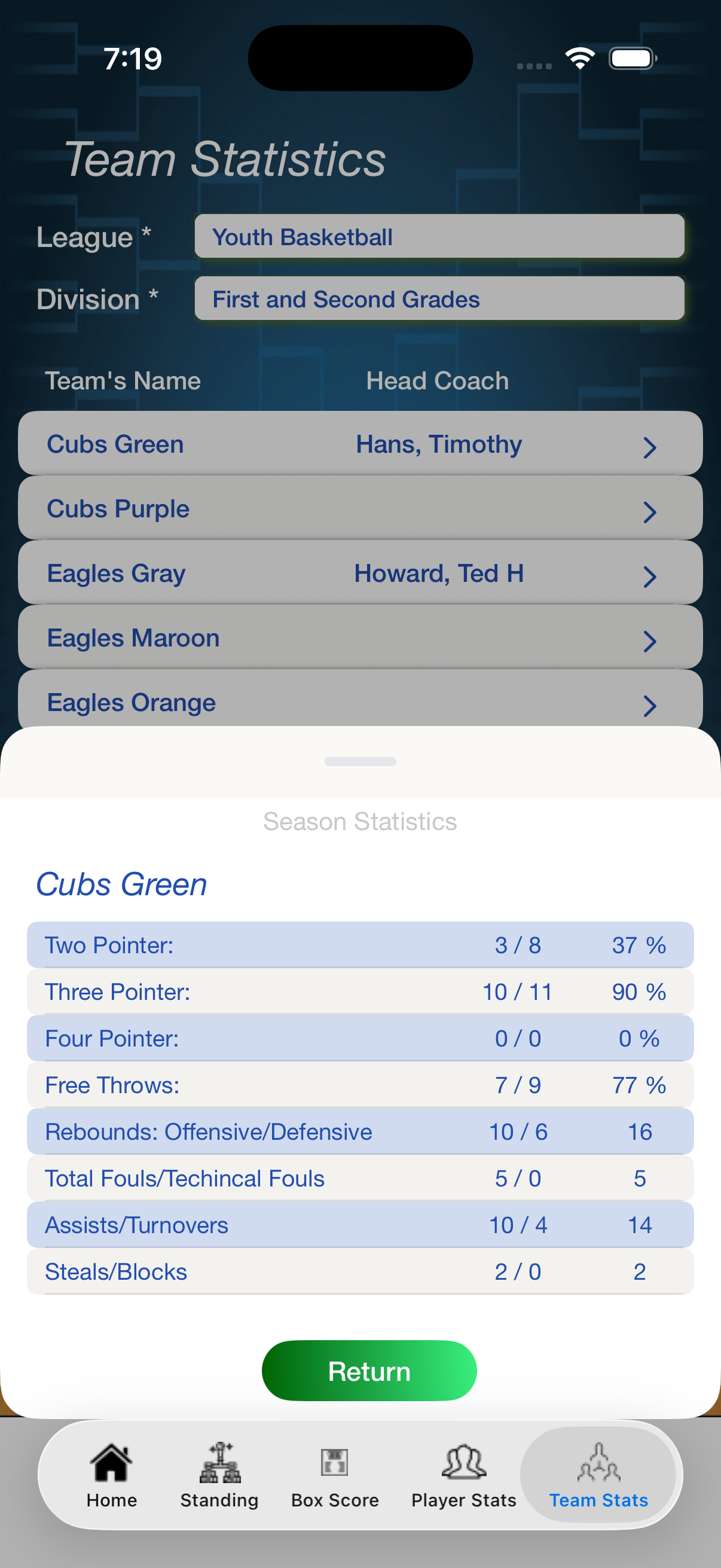
Team Statistics Information
- - First, select a League
- - Second, select a Division
- - Select a Team, see Season Statistics
-
-
-
-
|